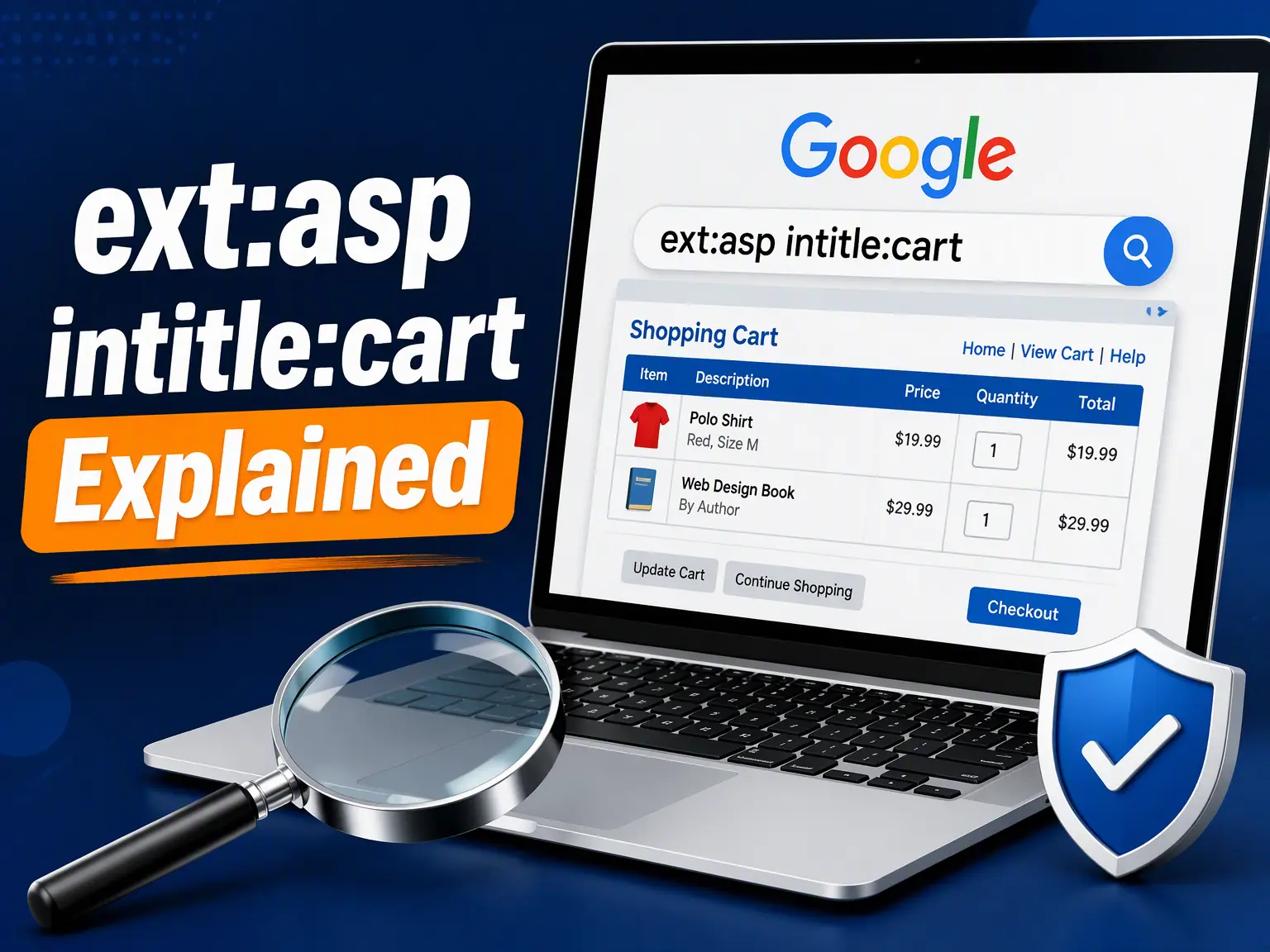
You may have stumbled on ext:asp intitle:cart while reading a forum thread, an old audit report, or a security newsletter, and wondered what it does. It is a Google search string. It asks the engine to return only pages ending in .asp whose title tag contains the word cart. That sounds trivial, yet people use it to study legacy stores, clean up indexed checkout pages, and test their own exposure. Few guides explain it simply, so I kept this one short. I will explain each piece in plain English, show how it fits into real audits, and flag the legal limits. By the end, you will know exactly what this query means and how to use it responsibly.
What Does ext:asp Mean
The ext:asp part tells Google to show only pages with the .asp extension. Those files come from Microsoft’s Active Server Pages, an older technology that builds web pages on the server before sending them to your browser.
What Does intitle:cart Mean
The intitle:cart part is an officially documented Google operator. It limits results to pages where the word cart appears inside the HTML title tag, the text you usually see on a browser tab or in search listings.
How ext:asp intitle:cart Works
Google joins both filters with a logical AND. A page must end in .asp and carry cart in its title to appear. Anything missing either condition gets dropped, which keeps the result list narrow and fairly predictable.
A Quick History of Classic ASP
Microsoft released Classic ASP in 1996 with Internet Information Services 3.0. Developers embedded VBScript inside pages, and the server ran it on demand. Thousands of small online stores launched this way before modern frameworks eventually replaced it.
Why Shopping Carts Show Up
Carts were among the first dynamic features small merchants needed. Files named cart.asp or pages titled Shopping Cart were everywhere in the 2000s, and some still sit online today, forgotten on neglected servers that nobody updates anymore.
Who Actually Uses This Query
Regular shoppers never type this. The people running it are SEO specialists, system administrators, web developers, and security professionals who need to find old ASP storefronts quickly and accurately across a domain or the wider search index.
Using ext:asp intitle:cart for SEO
Add site:yourdomain.com and run ext:asp intitle:cart to see whether outdated checkout pages are still indexed. Stray cart URLs can waste crawl budget, create thin duplicate content, and confuse real visitors who land on broken or empty pages.
Using It for Site Migrations
Before moving to a modern platform, list every legacy cart page you own. Map each one to a new URL, set a permanent 301 redirect, and properly retire the rest so search engines stop crawling dead ends.
Why Security Teams Care
Old ASP storefronts can run on unsupported Windows servers with weak or missing input validation. Defenders search for them to find forgotten public assets before attackers do, then patch, lock down, or fully remove whatever turns up.
Operator Reference Table
Here is a compact reference for the operators that work alongside this query. Notice that only one of them lacks official documentation, which is exactly why results sometimes behave quite differently than you might expect them to.
| Operator | Purpose | Documented |
|---|---|---|
| ext:asp | Filters by .asp extension | Not officially documented |
| intitle:cart | Requires cart in title tag | Yes |
| filetype:asp | Standard extension filter | Yes |
| inurl:cart | Matches cart inside URL | Yes |
| site:example.com | Limits results to one domain | Yes |
| allintitle:cart | Requires every term in title | Yes |
| intext:cart | Matches cart in body text | Yes |
ext vs filetype Differences
Google documents filetype:asp as the official extension filter. The ext: version often works as a handy shortcut, yet nobody guarantees it. For consistent audits, I recommend starting with filetype:asp, then comparing results against the ext: version afterward.
Why Results Look Different
Many modern sites now use URL rewriting, which hides the .asp extension entirely. Others redirect, delete, or block old pages. Results also shift between data centers and over time, so one search never tells the whole story.
Related Queries Worth Knowing
Related variations include ext:asp inurl:search, ext:asp inurl:view.asp, and ext:asp inurl:index.asp. Each one swaps the title filter for a URL filter, so they usually surface internal site search pages, record viewers, or default homepages instead of shopping carts.
Common Mistakes People Make
The biggest error is treating results as proof of vulnerability. A matching page only proves that it exists. Another mistake is trusting a single run, or forgetting that Google may not index every page on a site.
Protecting Your Own Cart Pages
Remove or redirect obsolete carts, update Windows Server and IIS, validate every user input, and require authentication for admin areas. Add noindex headers to sensitive pages, then recheck your results monthly until nothing legacy remains indexed publicly.
Legal and Ethical Boundaries
Search only for the domains you own or have written permission to test. Browsing public results is passive, but probing a discovered page without authorization can also break laws like the U.S. Computer Fraud and Abuse Act.
A Simple Audit Workflow
First, run site:yourdomain.com filetype:asp. Next, add intitle:cart to narrow it down. Copy the URLs into a spreadsheet, mark each as keep, redirect, or delete, and assign owners with deadlines. Then rerun the search later to confirm cleanup.
Signs You Should Migrate
Migrate when your Windows version no longer receives security updates, when nobody left on your team understands VBScript, or when pages crawl. Staying put saves effort today but quietly raises risk and maintenance costs every single year.
Modern Alternatives to Classic ASP
ASP.NET Core, WordPress with WooCommerce, Shopify, and Magento all handle carts with current security practices. Pick based on your team’s skills, budget, and timeline, then migrate products, customer data, and URL redirects in carefully planned, tested stages.
Conclusion
The ext:asp intitle:cart query finds legacy ASP shopping pages by extension and title. Use it on your own domains, fix what you find, and keep checking every quarter. Small, steady cleanups today prevent much bigger problems tomorrow.